```html
In the past, managing apps on multiple Android devices was a cumbersome task. You had to manually install or uninstall apps on each device, one by one. However, Google Play has recently introduced remote app installation, allowing you to install apps on multiple devices simultaneously from a single Android device. And now, Google is about to roll out a new feature that will allow you to remotely uninstall apps on your other devices. This article will explain how to install and uninstall apps remotely on your Android devices.
Remote App Installation
Remote app installation is a convenient way to install apps on multiple devices without having to manually install them on each device. With this feature, you can select which apps you want to install on your devices, and Google Play will handle the rest.
- Open the Google Play Store app on your Android device.
- Tap the hamburger icon in the top-left corner of the screen.
- Tap "My apps & games."
- Tap the "Installed" tab.
- Tap the "Menu" button in the top-right corner of the screen.
- Tap "Share."
- Select the devices you want to install the app on.
- Tap "Install."
Google Play will automatically install the app on the selected devices when they are turned on and connected to the internet.
Remote App Uninstallation
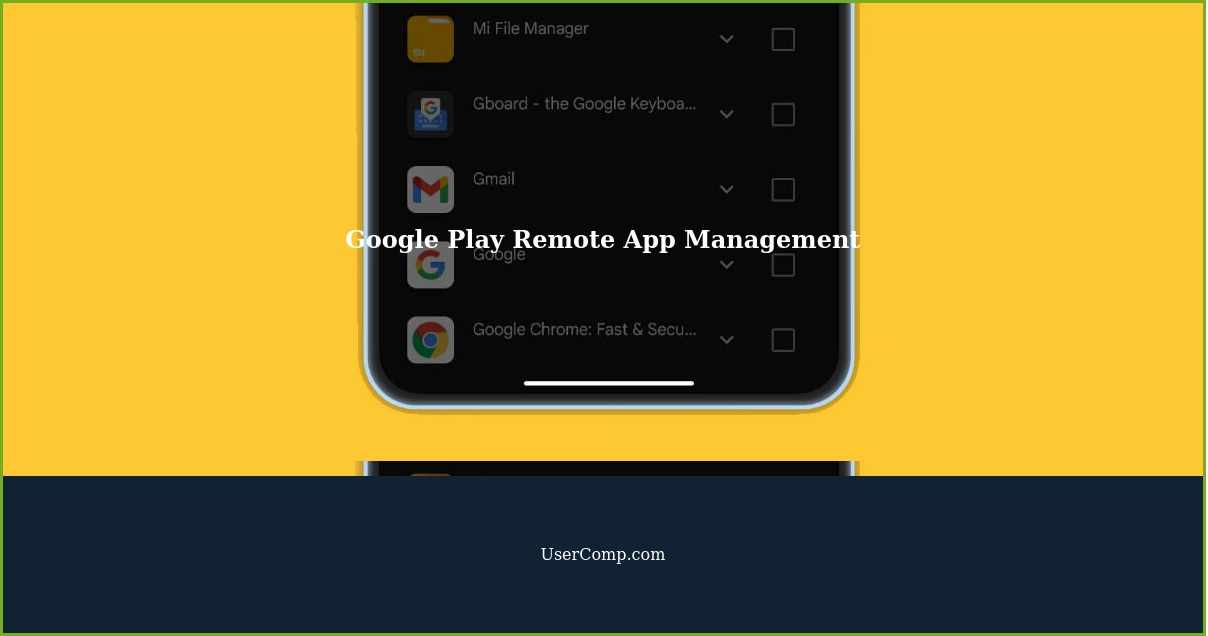
Google has announced that it will soon be possible to remotely uninstall apps on your Android devices. This feature will allow you to uninstall apps on multiple devices without having to manually uninstall them on each device.
- Open the Google Play Store app on your Android device.
- Tap the hamburger icon in the top-left corner of the screen.
- Tap "My apps & games."
- Tap the "Installed" tab.
- Tap the "Menu" button in the top-right corner of the screen.
- Tap "Manage apps & devices."
- Tap "Manage."
- Select the devices you want to uninstall the app from.
- Tap "Uninstall."
Google Play will automatically uninstall the app on the selected devices when they are turned on and connected to the internet.
Benefits of Remote App Management
Remote app management is a convenient way to manage apps on multiple devices. With this feature, you can easily install or uninstall apps on all of your devices without having to manually manage them.
Remote app management is also useful for managing apps on devices that are not in the same location as you. For example, if you have a device that is located in a different city or state, you can still manage apps on that device remotely.
Additionally, remote app management can save you time and effort when managing apps on multiple devices. Instead of having to manually install or uninstall apps on each device, you can do it all from one device.
Remote app installation and uninstallation are convenient features that make it easy to manage apps on multiple Android devices. With these features, you can install or uninstall apps on all of your devices without having to manually manage them. Remote app management is a great way to save time and effort when managing apps on multiple devices.
While remote app installation is already available on Google Play, remote app uninstallation is not yet available. However, it is expected to be rolled out soon.
If you have multiple Android devices, remote app management is a feature that you should consider using. It can save you time and effort when managing apps on your devices.
So, next time you need to install or uninstall apps on your Android devices, consider using remote app management. It's an easy and convenient way to manage apps on multiple devices.
```
Google Play to Allow Remote App Installation and Uninstallation
Abstract: Google Play is set to introduce a new feature that will allow users to remotely install and uninstall applications on their Android devices. With this update, users can manage apps on multiple devices using the same Google account. Users can install apps on multiple devices at once, and soon, they will also be able to uninstall apps remotely. This feature is expected to be available in the upcoming version of Google Play. The new functionality will be accessible through the "Manage apps and devices" section, and users can choose the device they want to manage. This new feature will be useful for those who have multiple Android devices, as it will allow them to manage apps on all their devices from a single location.
Created: 2023-12-18 by UserComp.com Editors